
Even good companies lose leads because of small website problems
Many SMEs invest in SEO, ads, content, and brand awareness, but still wonder why the website doesn’t generate enough serious inquiries. Traffic may be healthy and the site may look acceptable at a glance, but the problem often lies in the fact that visitors do not understand the offer fast enough, do not see enough proof, or face too much friction before they can take the next step.
Traffic alone does not create leads because a website still has to explain the business clearly, earn trust quickly, and make action feel easy. When those elements are weak, even interested visitors can leave without converting. The good news is that better performance doesn’t always require a full redesign, and many underperforming websites can improve inquiries, lead quality, and user confidence through focused, practical fixes.
The five areas below are practical places to start because they address common points where otherwise interested visitors lose clarity, confidence, or momentum:
- Clarify homepage messaging
- Make contact easier
- Refresh outdated imagery
- Add stronger customer proof
- Use more specific calls-to-action
Fix 1: Replace Vague Headlines With a Clear Explanation of What You Do
Why It Matters
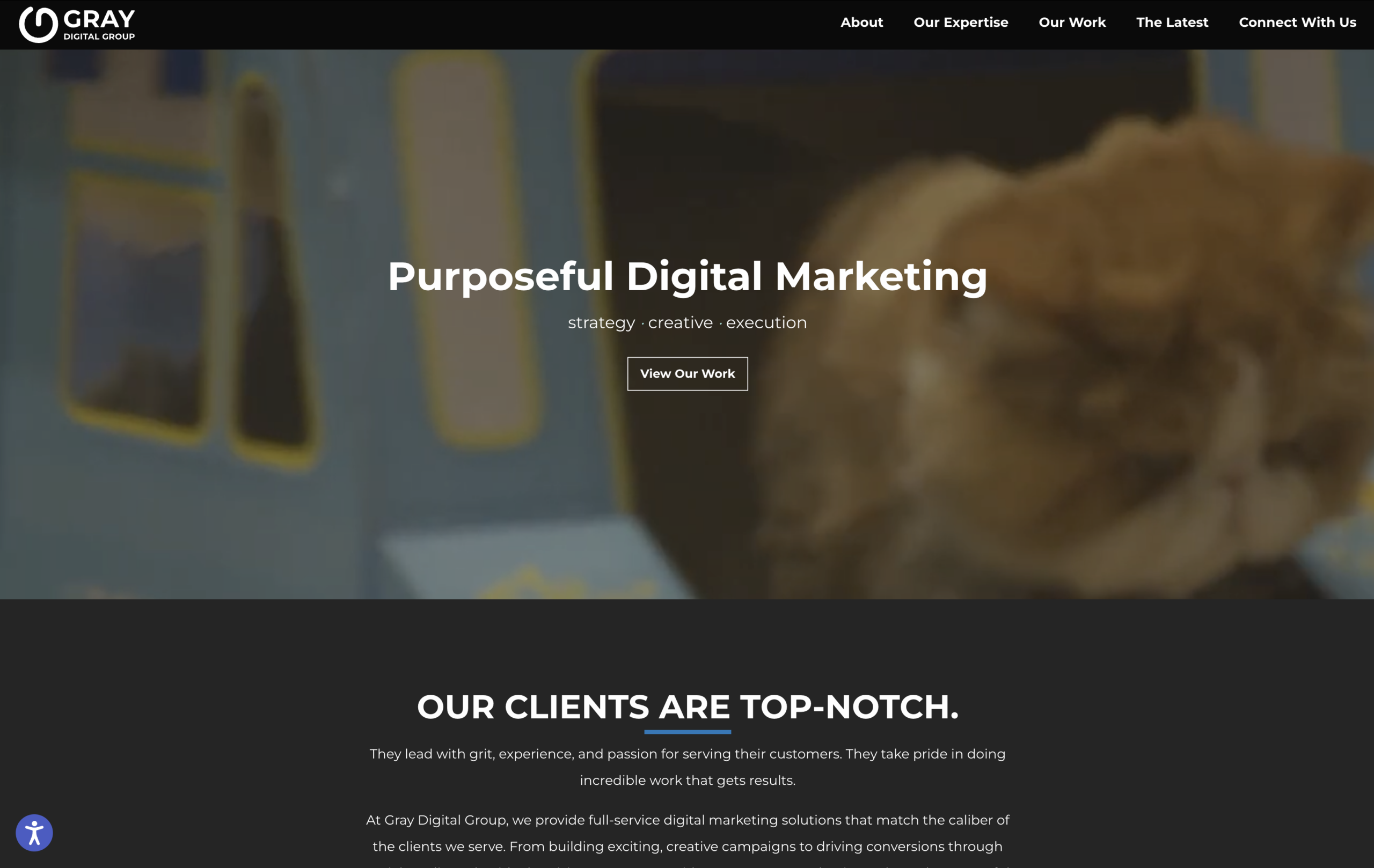
Visitors should understand what a company does within seconds of landing on the website. Many homepages still open with broad brand language that says very little. A line like “Driving Innovation Through Digital Excellence” may sound polished, but it does not tell a buyer what the company offers, who it helps, or why they should keep reading.
Where Clarity Breaks Down
Generic slogans create confusion because they ask visitors to work too hard. Most users arrive ready to compare vendors, check credibility, or solve a business problem, so if the first screen is vague, they may leave before the rest of the site has a chance to work.
Many websites also assume users already understand the business. That may be true for referrals, but not for first-time visitors from search, LinkedIn, ads, or AI-assisted discovery. Unclear positioning can weaken lead quality because users may misunderstand the service or misjudge fit. Google’s SEO Starter Guide also reinforces the value of content that users and search systems can understand clearly.
Bad Headline
Practical Recommendations
A homepage hero section should clearly state what the company does, who it helps, and what outcome clients can expect, because specific language usually works harder than abstract branding. A useful structure is Service + audience + outcome, with a supporting subheadline for geography, specialization, process, or business value.
Example Comparisons
| Generic headline | Better headline |
|---|---|
| “Driving Innovation Through Digital Excellence” | “B2B Website Design and UX Strategy for Growing Companies in Japan” |
| “Your Partner for Business Success” | “Website Optimization for SMEs That Need More Qualified Inquiries” |
| “Solutions That Move Your Business Forward” | “UX, Website Redesign, and Conversion Support for B2B Teams” |
In each better version, the language is less decorative but more useful. It tells users what the company offers, who it serves, or what kind of business outcome it supports.
Good Headline
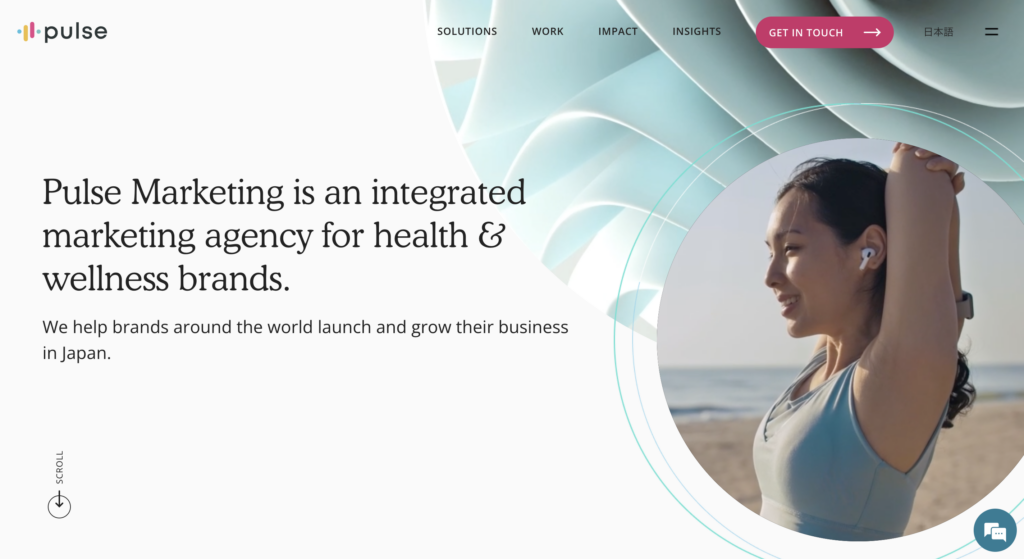
Strategic Angle
Clear messaging helps users understand value faster, and it helps search engines and AI systems interpret page relevance. Google’s guidance on AI features and websites points in the same direction because accessible, understandable content is easier for search systems to interpret and show in relevant results. It also reflects a point we raised previously in Japanese Web Design Trends 2026: Personality, Identity, and Trust: although that article focuses on Japan, the broader pattern applies internationally. Visual identity works best when it is supported by clear structure, intentional design, and consistent communication.
Fix 2: Reduce the Number of Clicks Required to Contact You
Why It Matters
Many websites unintentionally create unnecessary effort before users can inquire. The visitor is interested, but the site makes them hunt for a contact button, open a menu, scroll to the footer, choose between unclear options, and fill out a long form. That is not lead generation, it’s an obstacle course.
Understanding Website Friction
Contact buttons are often hidden in menus, especially on mobile, while inquiry forms ask for too much information too early. Phone numbers and email addresses are buried, and service pages explain the offer but fail to provide a relevant next step.
Long inquiry forms are another common problem. If the first conversation does not require a postal code, department size, budget range, and detailed project history, asking for those details too early may discourage inquiries. Clear labels, simple instructions, and useful error messages can also make the form feel easier to complete.
Bad Form
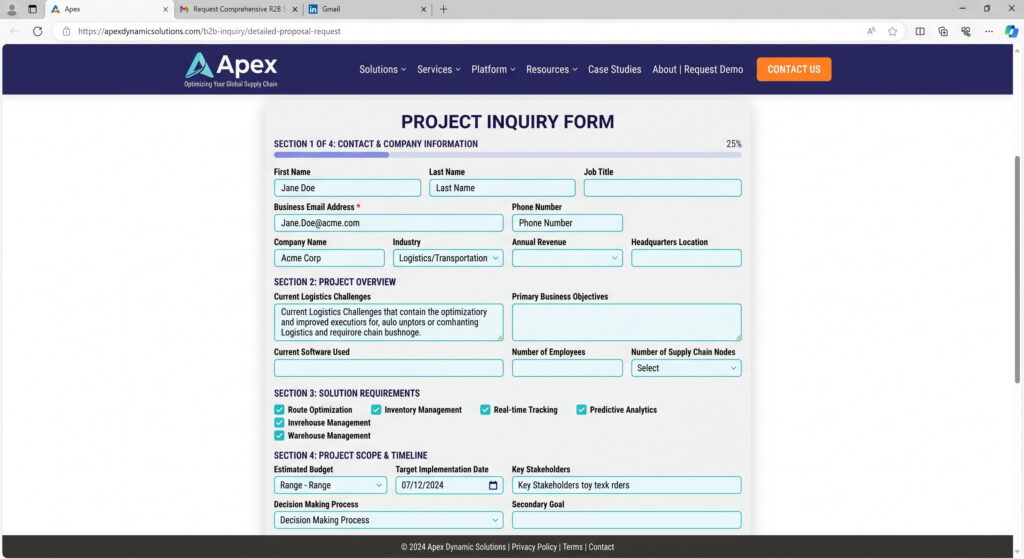
Practical Recommendations
Make the primary inquiry path visible from key pages. Add a clear inquiry button in the header, such as “Book a Consultation” or “Request a Website Review,” and make sure it leads directly to the contact form or booking page. Repeat prompts at natural decision points, and limit forms to essential fields. For many B2B websites, the first form only needs:
- name
- company
- inquiry type
- message
Use these as first-response essentials, and let everything else wait until the first response or consultation. Mobile users should also be able to contact the business without unnecessary scrolling, pinching, or guessing.
Example Improvements
A few small changes can make the path to inquiry more direct:
- Reduce forms from 10 fields to 4 or 5
- Add “Book a Consultation” buttons higher on important pages
- Make phone and email visible without requiring users to scroll
- Add a relevant inquiry prompt after service explanations, such as “Request a Website Review”
These are not complex changes, but they remove common points of hesitation.
Good Form
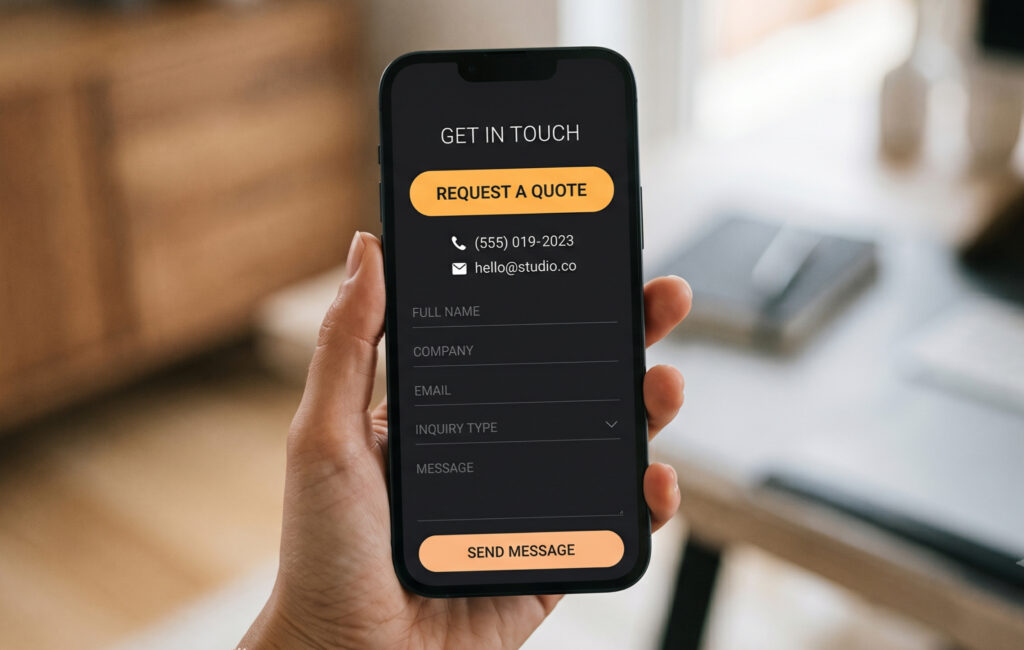
Strategic Angle
Reducing friction can improve inquiry volume, mobile conversion rates, and user confidence. Baymard’s checkout UX research focuses on ecommerce, but the broader lesson applies beyond shopping carts: complex flows, unclear fields, and unnecessary steps create usability problems. B2B lead generation faces the same issue.
Fix 3: Update Outdated Images
Why It Matters
Old or generic visuals quietly make businesses feel less current, which can reduce trust. A website does not need to look fashionable, but it does need to look alive. Outdated images can make a capable company feel static or underinvested.
How Outdated Images Hurt Credibility
Common issues include overused stock photography, low-quality team images, generic corporate visuals, and imagery that no longer reflects the business. The classic handshake photo may not offend anyone, but it rarely builds confidence.
For companies selling expertise, trust depends partly on evidence, and users want to sense that the company is real, current, and professionally managed. If images feel stale, the services may feel stale too.
Bad Image Use
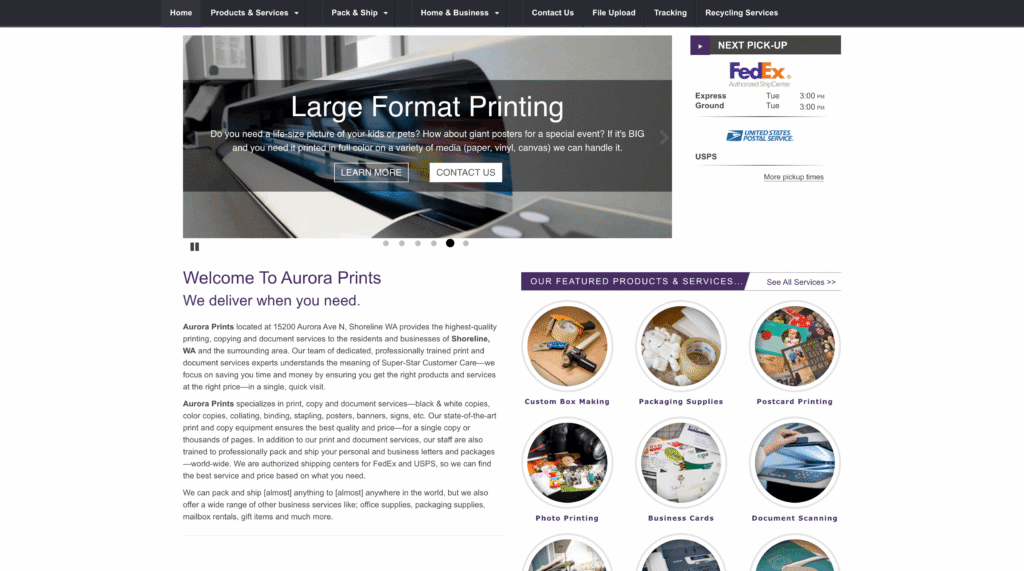
Practical Recommendations
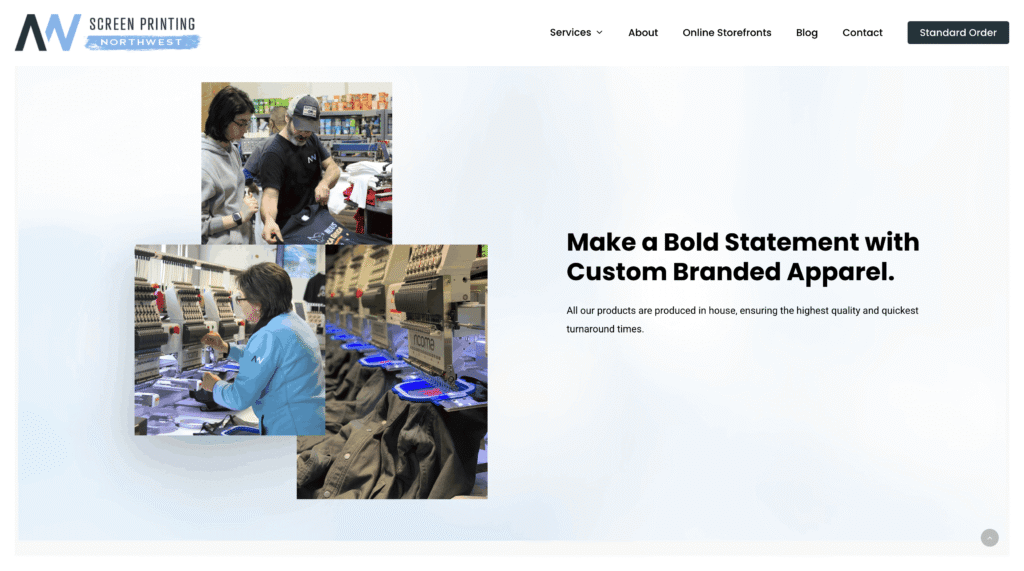
Replace outdated stock photos with more specific imagery. Authentic office, team, workshop, project, or product images usually perform better than generic business visuals when they are well composed and optimized.
For example:
- Replace low-resolution team photos with crisp, current images that look sharp on mobile and desktop.
- Replace cluttered office or event photos with simpler images that make the subject and message clear.
- Replace visibly dated photos, such as old headshots or legacy product images, with visuals that reflect how the business looks and works now.
This does not mean every company needs an expensive photoshoot, but images should be selected with intent. One strong, relevant image is often better than five decorative ones, and image quality should also be checked on mobile, where awkward cropping can make visuals feel careless.
Good Image Use
Strategic Angle
Modern visuals improve perceived professionalism, credibility, emotional trust, and overall user impression. They also help visual identity feel like a consistent system rather than one-off decoration.
Fix 4: Add One Strong Customer Example to Your Homepage
Why It Matters
Many websites ask users to trust them without showing enough proof. Buyers are comparing options, managing internal expectations, and trying to avoid a poor vendor decision. Visible evidence helps reduce that hesitation.
Where Proof Falls Short
A common problem is claims without evidence. “Trusted partner,” “results-driven,” and “customer-focused” may all be true, but they are also easy to ignore because they appear everywhere, while strong client work is often hidden several clicks away, buried inside PDFs, or missing from the website entirely.
B2B buyers do not always need a full case study on the homepage, but they do need a reason to believe the company can do what it says. A concise customer example can do that work quickly.
Bad Social Proof
Practical Recommendations
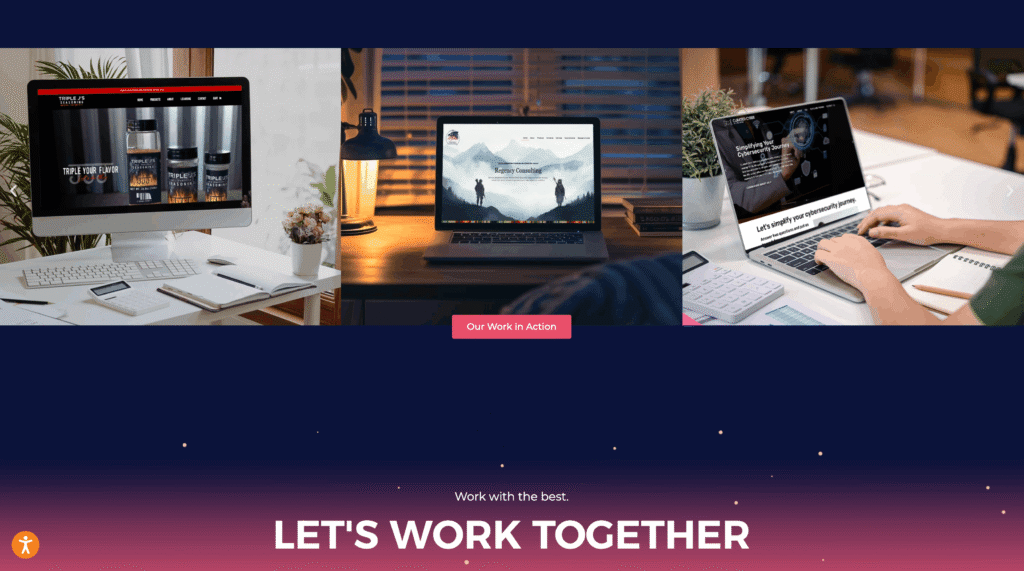
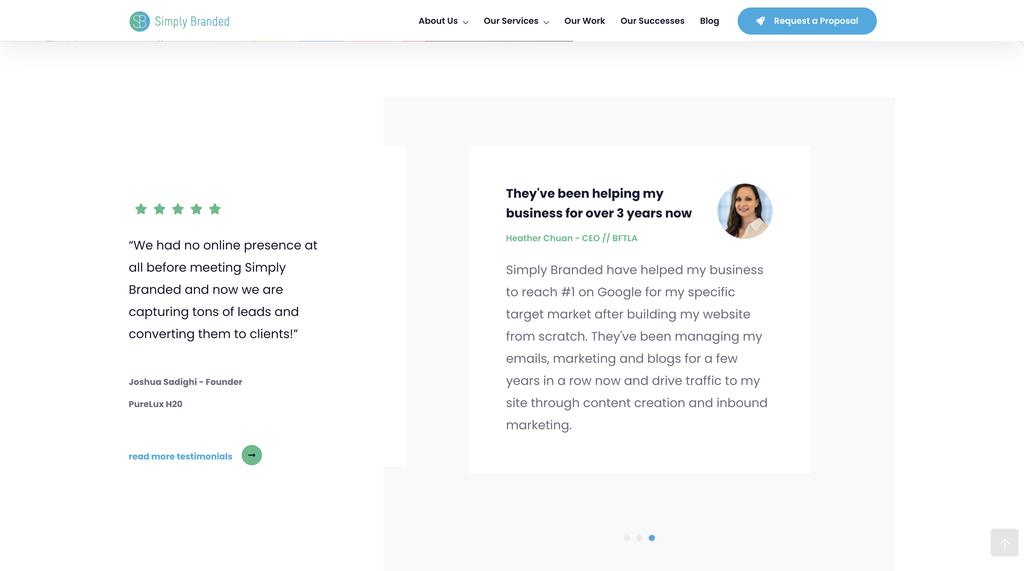
Add at least one strong customer example to the homepage. This could be a short testimonial, recognizable client logo, compact case study snippet, measurable business result, or quote tied to a specific project outcome. The best examples are concrete because they name the problem, action, and result without forcing the user to open another page.
Examples
A web design or UX agency could use a result-focused line such as: “Helped reduce bounce rates by 28% after restructuring homepage UX.” This gives the reader a business outcome, not just a compliment.
A professional services firm could use a client quote tied to a specific result, such as: “The new website helped prospects understand our services faster and led to more relevant consultation requests.”
An industrial supplier could highlight a practical project outcome, such as: “Supported a bilingual website refresh that made technical product information easier for overseas buyers to compare and request.”
Good Social Proof
Strategic Angle
Trust signals reduce hesitation, improve lead quality, and support higher-value inquiries. They also help qualify the company’s positioning. If the homepage shows serious client work, users are more likely to understand the level of service, type of expertise, and business context.
Fix 5: Replace Generic “Contact Us” Buttons With Clearer Next Steps
Why It Matters
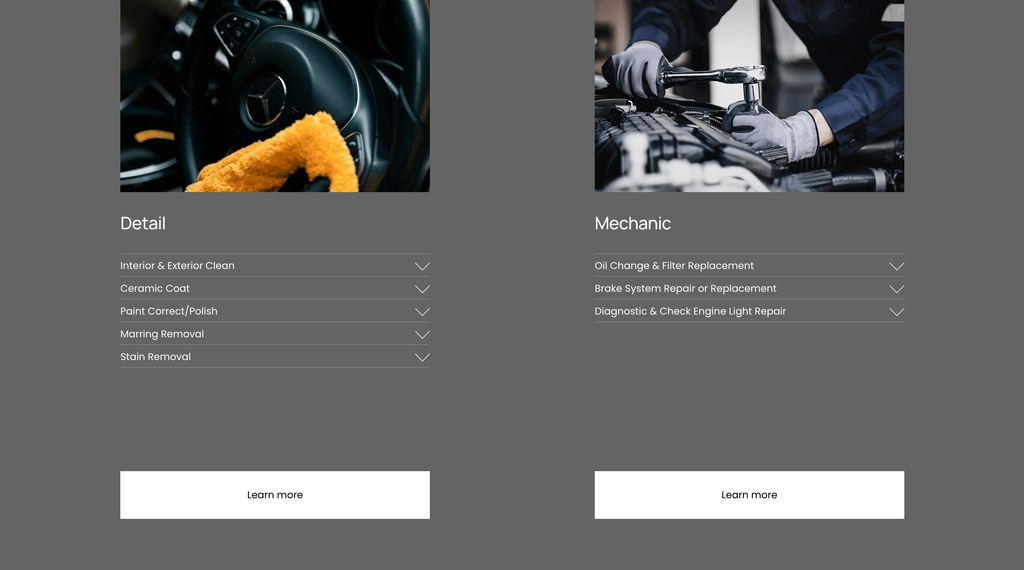
Users are more likely to act when the next step feels specific and low-pressure. “Contact Us” is not wrong, but it is often too vague. Users may wonder whether they are requesting a quote, booking a sales call, sending a general message, or starting a process they are not ready for.
Why Clear Action Language Matters
Generic calls-to-action reduce engagement because they do not connect the user’s intent with the business’s offer. A visitor reading about website optimization may not feel ready to click “Contact Us,” but may be willing to click “Request a Website Review.” A CMO evaluating a redesign may not want a sales pitch yet, but “Get Feedback on Your Current Site” feels useful and lower pressure.
Many websites also use the same CTA everywhere, with the homepage, service pages, blog posts, case studies, and footer all pointing to the same generic button. That misses an opportunity to match the next step to the user’s stage of decision-making.
Bad CTA
Practical Recommendations
Replace generic calls-to-action with language that makes the next step clearer:
| Generic call-to-action | Better call-to-action |
| “Contact Us” | “Request a Website Review” |
| “Learn More” | “See How Your Website Could Convert Better” |
| “Submit” | “Send My Inquiry” |
The language should be specific, but not pushy. A good action prompt tells users what they are starting and why it may be worth their time, and it should also fit the page context. A blog article about underperforming websites, for example, is a natural place to invite a website audit or UX review rather than force a hard sales message.
Good CTA
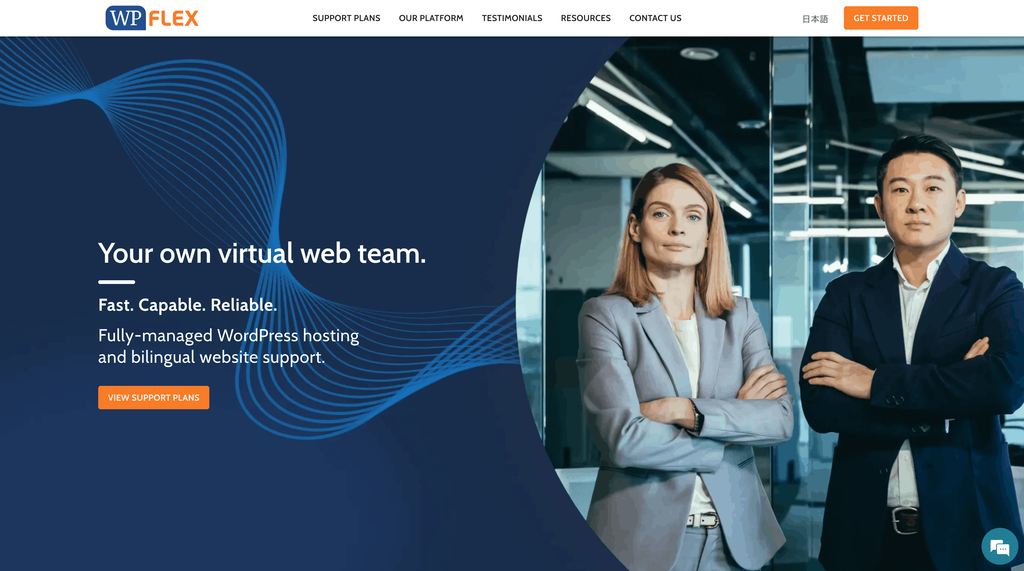
Strategic Angle
Clearer CTAs improve conversion intent, lead quality, and user confidence because they guide decision-making instead of assuming users already know what to do. This fits with the broader shift we described in Japanese Web Design Trends 2026: The Quiet Intelligence of Subtle UX. Although the article looks at Japan, the principle travels well: mature interfaces reduce friction through restraint, care, and appropriateness.
Small Improvements Often Create Meaningful Results
Many underperforming websites are not fundamentally broken, but they often carry too much friction: vague messaging, hidden contact paths, dated visuals, thin proof, or generic calls-to-action. Together, these issues can reduce trust, usability, and conversions.
The fixes are practical: explain the offer clearly, make it easier to contact the business, replace visuals that feel outdated, show one strong customer example, and use action language that tells users what to do next. None of these changes has to involve a full redesign, but each can make the website feel more useful, credible, and conversion-ready.
Modern buyers expect clarity, speed, and confidence signals. Businesses should therefore review their websites through the lens of user friction and conversion flow, asking whether the right person can understand the offer, trust it, and take the next step without unnecessary effort. For teams that want a clearer outside view, a focused UX review or website audit from Netwise can help identify where small changes may have the greatest impact.