
User Testing Service
Validate your website or app with real users.
Launching a website is only the beginning — to make sure it truly works for your users, you need real feedback. Our User Testing Service validates websites and designs through structured usability research. Whether you need to assess an existing site or include testing in your design process, we offer clear packages to match different budgets and project goals.
We use a combination of remote moderated sessions, unmoderated usability tests, and expert design reviews to uncover usability issues and opportunities. For projects requiring deeper insight, we also provide information architecture testing (card sorting, tree testing) to validate navigation and content structure.
All results are delivered in clear, standardized reports with visual evidence and prioritized recommendations — giving you the confidence to improve usability, increase conversions, and demonstrate ROI to stakeholders.

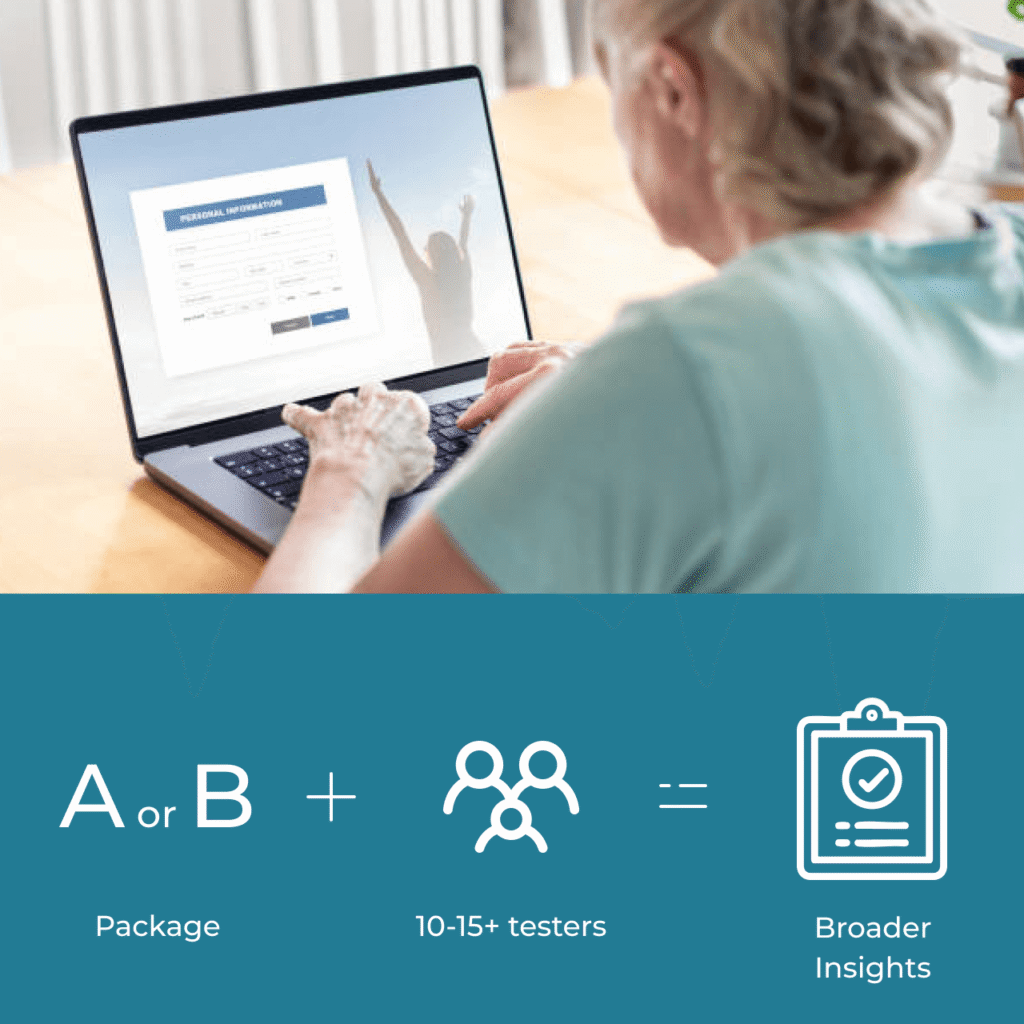
Why Do User Testing?
User Testing Packages
- POPULARPACKAGE AFull (Moderated + IA)¥780,000
- Remote moderated sessions (3–5 users)
- Information Architecture testing (15–20 users)
- Click & impression tests
- Post-task questionnaires
- Expert heuristic evaluation (in addition to testing)
- Deliverables: Test plan
- Deliverables: Full depth Findings & recommendations
- ★★★ Highest Depth of insight
- Medium Speed
- PACKAGE BRemote Unmoderated¥380,000
- Remote unmoderated sessions (5–20 users)
- Click & impression tests
- Post-task questionnaires
- Deliverables: Test plan
- Deliverables: Summary of Findings & recommendations
- ★★ Medium Depth of insight
- Fast Speed
- PACKAGE CExpert Review¥200,000
- Expert heuristic evaluation
- Deliverables: Test plan
- Deliverables: Findings & recommendations from Expert
- ★ Lowest Depth of insight
- Fastest Speed
Optional Add-Ons
Expanded Click Testing
Run larger-scale unmoderated tests (20–40+ participants) on tasks such as first-click tests, impression tests, or preference tests.
What it offers:
- A larger sample size means results are statistically more reliable, reducing the chance that insights are just “one-off” behaviors.
- Heatmaps and click maps from more participants reveal clear patterns of how users interact with your design.
- Provides stronger evidence for stakeholder buy-in when making design decisions.
When to use it:
- If you want high confidence in navigation choices, calls-to-action, or design layouts.
- When you need to present data-backed validation to management or external stakeholders.

Extra Participants
Increase the number of testers in moderated or unmoderated sessions beyond the baseline.
What it offers:
- More participants = more diverse perspectives, reducing the risk of bias.
- In moderated sessions, additional users help uncover edge cases and less common usability problems.
- In unmoderated sessions, scaling the sample helps you compare sub-groups (e.g., new vs. repeat customers).
When to use it:
- If your website has multiple target audiences or complex user journeys.
- If you want to test different demographics (e.g., younger vs. older users, desktop vs. mobile).
Testing Scenarios
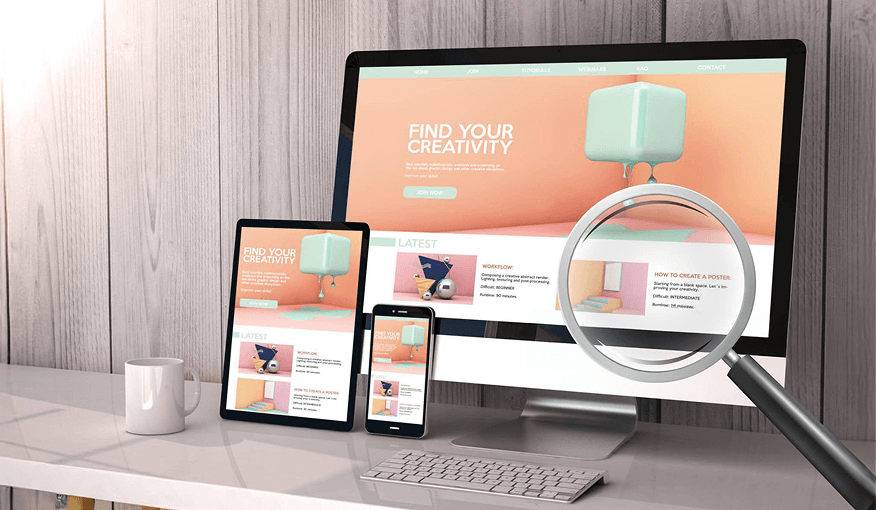
Live Website/Online Store
- Validate a live site or finished design.
- Identify usability issues and provide a clear improvement plan.

Design & Prototyping
- User testing at IA, prototype, and beta stages.
- Ensures the final site is validated by real users before launch.
Getting Started
Complete the form below
Confirm scope and prepare a quote
Finalize scope and approve quote
Kick off the project and get to work!
Request Info or Get a Quote
"*" indicates required fields
5/5